StoryBaze Update: Secure SBits Video Keys, Smoother Home Actions, and Bazey on Home
StoryBaze Update: Secure SBits Video Keys, Smoother Home Actions, and Bazey on Home
StoryBaze is getting a sharper creative workflow for SBits creators and a smoother Home experience for readers.
Secure SBits Video Provider Keys
Premium Studio creators can now manage video provider keys from Settings > Video Provider Keys. The flow is built for creators who want more control over the video services they use for SBits generation while keeping StoryBaze-managed providers available as the default path.
Keys are handled through a backend-only encrypted vault. The app shows masked key details, verification status, provider usage, success rate, and recent activity without exposing raw secrets back to the device.
Multiple Video Providers
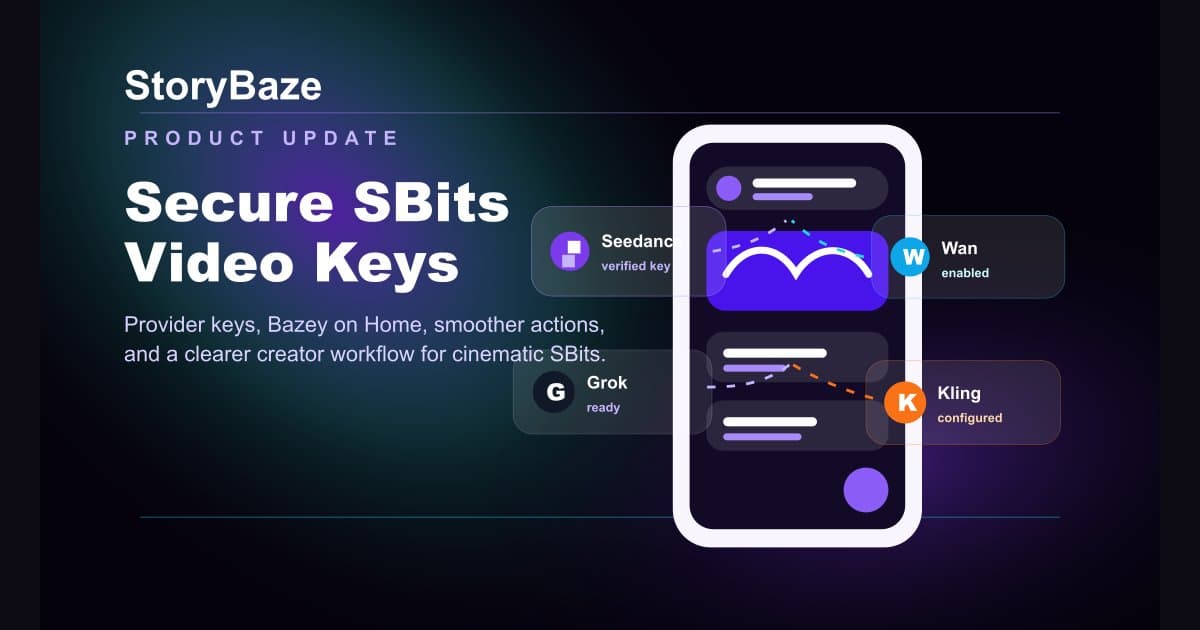
The provider key screen now supports multiple enabled providers, including Seedance Dreamina, Alibaba Wan, Google Veo, Kling, and Grok Imagine. Provider cards now use clearer PNG logos and dashboard-style usage stats so creators can understand which tools are powering their SBits work.
Bazey and Create Feel Better on Home
The Bazey mascot shortcut now floats near the Create button instead of crowding the Home header. When readers scroll down, Bazey and Create glide away together; when they scroll back up, both return smoothly in the same corner.
Refreshed Latest-Version Showcase
The in-app update showcase now highlights the latest creative tools: secure video provider keys, smoother Home actions, Bazey's new shortcut, and clearer provider insights.
What This Means
This release keeps StoryBaze focused on a simple idea: reading, listening, creating, and cinematic story moments should feel connected. SBits creators get more control, readers get a cleaner Home screen, and Bazey remains close without getting in the way.